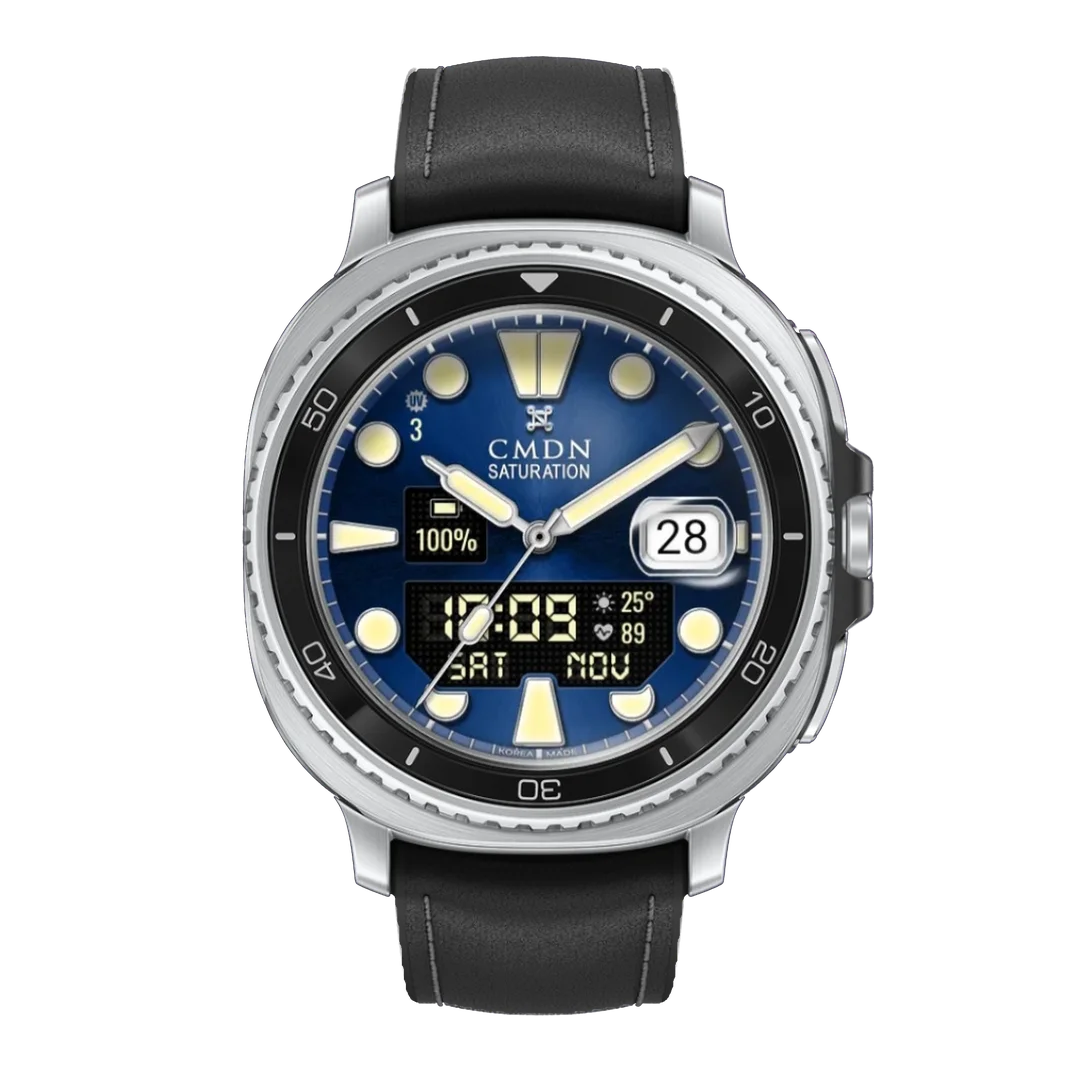
Current preset · Khaki · Khaki numerals
Military Digital
Digital Military Watch Face
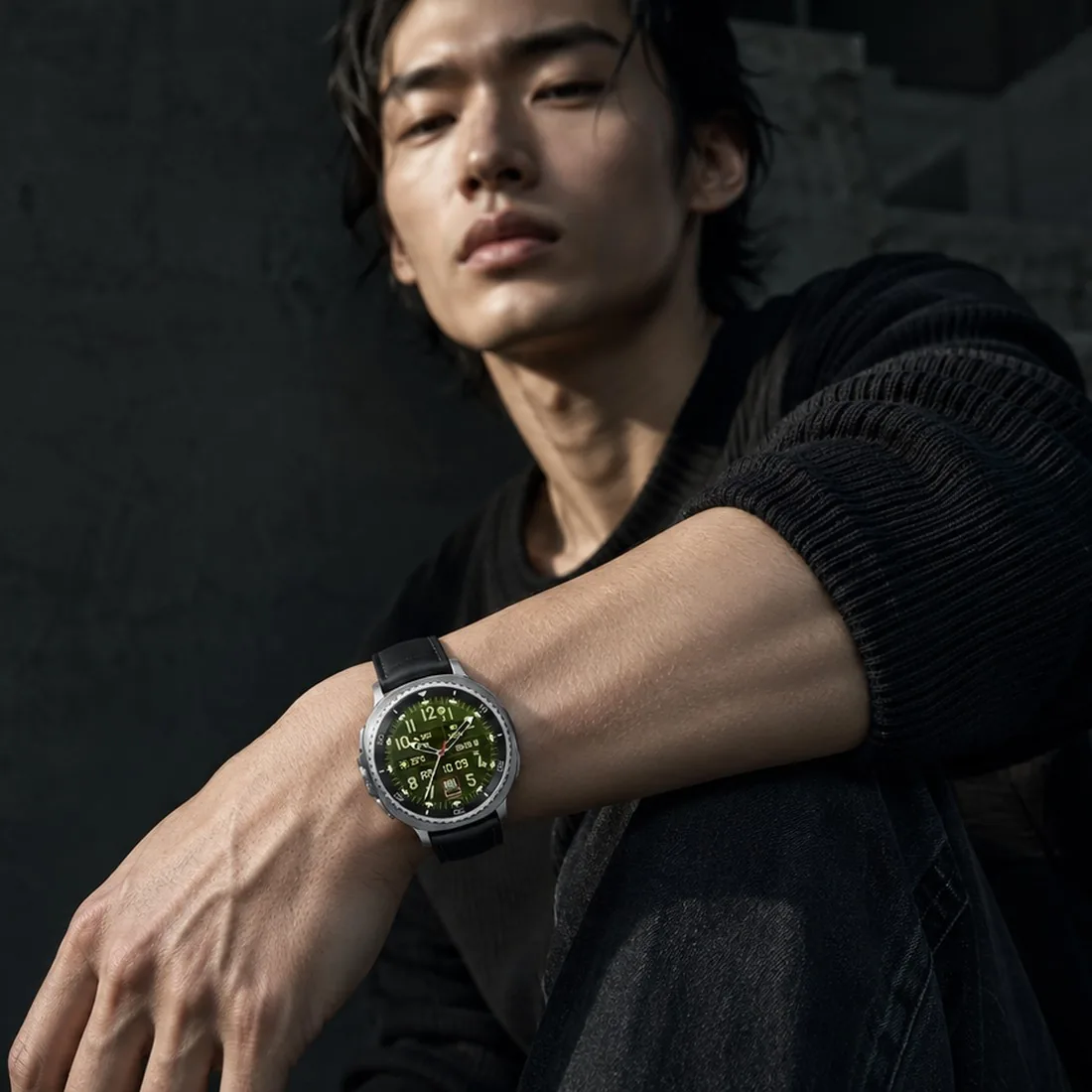
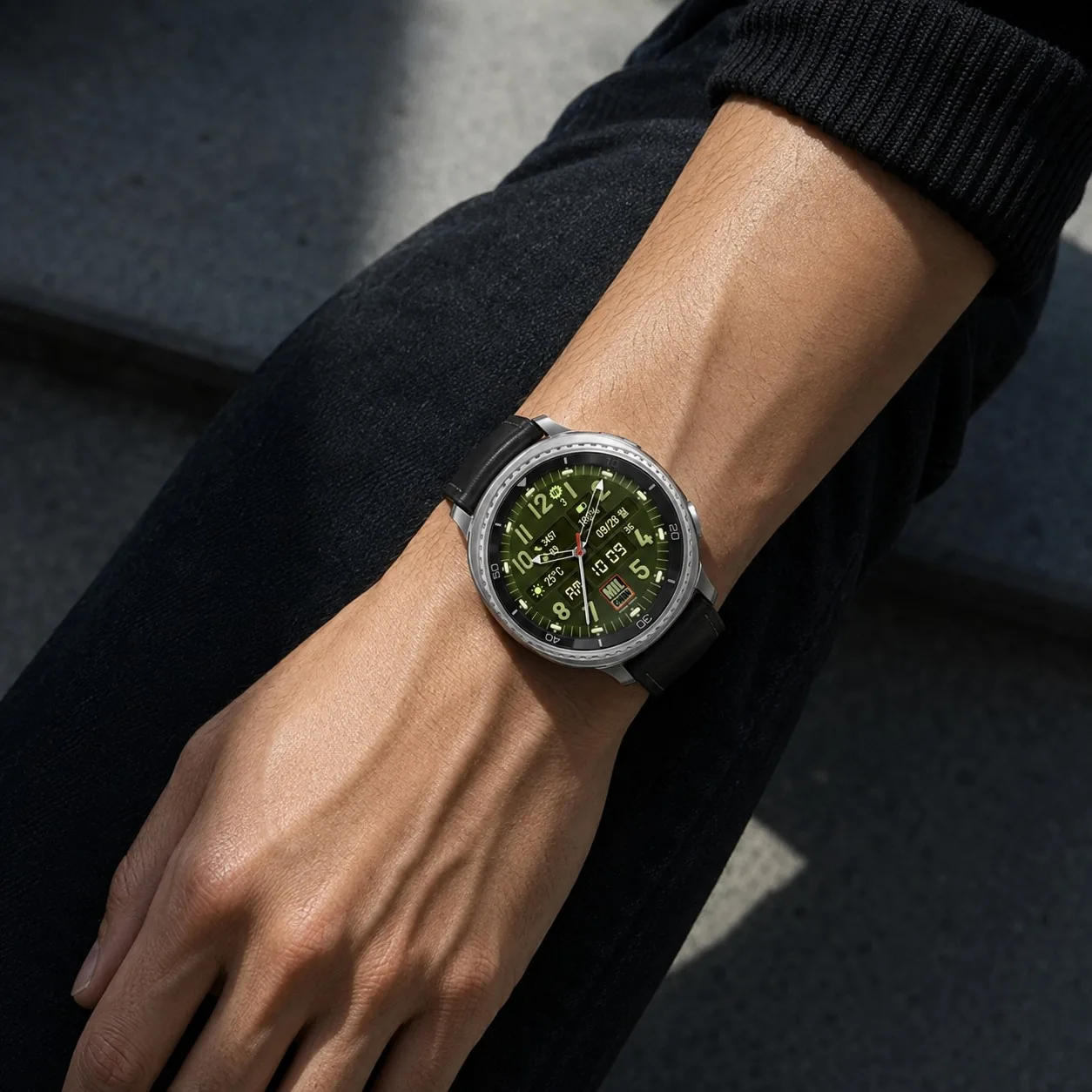
A field dial read two ways at once. Large numerals ring the dial with arrow hands and a seconds hand over them, and under the centre a digital readout carries the hour, minute and seconds with AM or PM — the hands for the shape of the hour, the digits for the exact minute. Around it sit the readings a field watch is asked for: weather and temperature, the UV index, step count and heart rate, battery, and the date with its weekday — the weekday always in English. The dial comes in khaki, navy, black, orange, coral orange, yellow, white, light green, blue and cream, with nine numeral colours to match. The hour and minute hands and the badge at six switch between the original, khaki and black, and the slim seconds hand comes in five colours. The lume comes in the original and in yellow. Start from one of twelve presets. Five app shortcuts sit hidden on the dial — choose the apps in the watch face settings. In always-on mode the dial goes dark and the numerals, hands and digital readout glow green lume, with the seconds hand and seconds left out.
Built to read at a glance
A field watch is asked to answer quickly, and the layout follows from that. The numerals are sized to be read at arm's length. Each reading sits in its own box, so the eye lands on one at a time instead of searching across the dial. The digital line follows your watch setting, 12-hour with AM or PM, or 24-hour, and the light on the dial shifts as you tilt your wrist.
Dark dials and bright dials
The bright dials flip the whole face. On orange, coral orange, yellow, white, light green and cream, the numerals and hands turn black, so the same layout reads just as cleanly in daylight, and the white and cream presets add a red seconds hand. The dark dials go the other way: khaki numerals on khaki, sky blue on navy, white on blue, and white, green or dark green on black. Twelve presets cover them all, and the lume on top comes in the original green or in yellow.
Five hidden shortcuts
Five app shortcuts sit hidden around the dial, one on the left, one on the right, one at the bottom and two at the top, left and right. Give each an app in the watch face settings and a tap there opens it. They switch off on the always-on display, along with the seconds hand and the digital seconds.
Installing, applying or “not compatible” on your phone? See the install guide.
- Complications
- Weather · UV · Steps · Heart rate · Battery · Date · 5 app shortcuts
- Display
- Analog + digital
- Presets
- Twelve
- Swappable parts
- Dial 10 · Numerals 9 · Hands 3 · Seconds 5 · Badge 3 · Lume 2
- Requires
- Wear OS 6 and above
- Price
- $1.99

This watch face is out. You can get it straight from the Play Store.